 Whole Scroll
Tech Column · from the product team
Tech Column
How-tos & product notes
Short, evergreen essays on full page capture, PDF export, and local OCR — not a daily blog, not a help desk.
Separate from Support (tickets & account help). Written for desktop Chrome and Firefox.
-
Capture · PDF · OCR
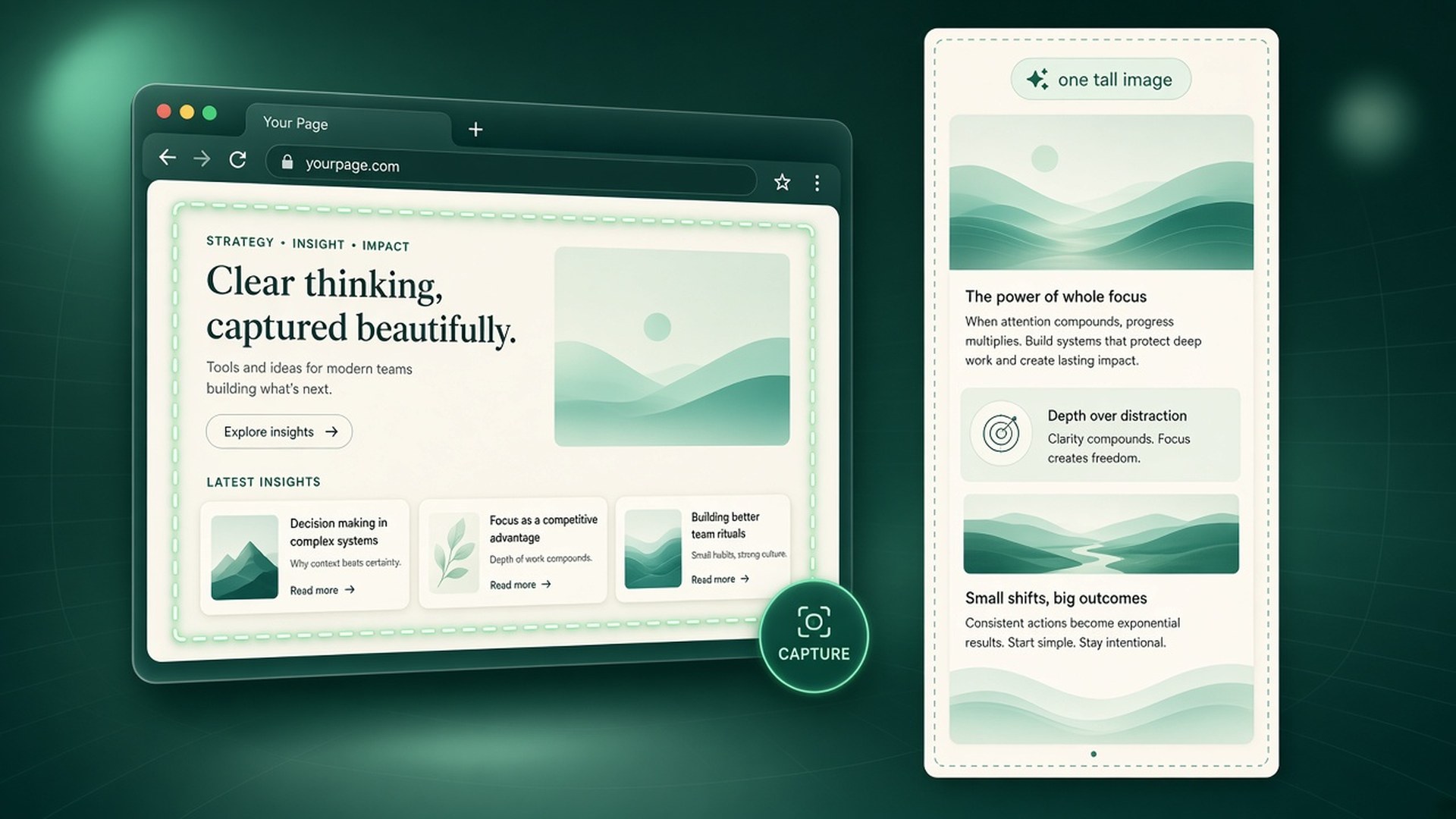
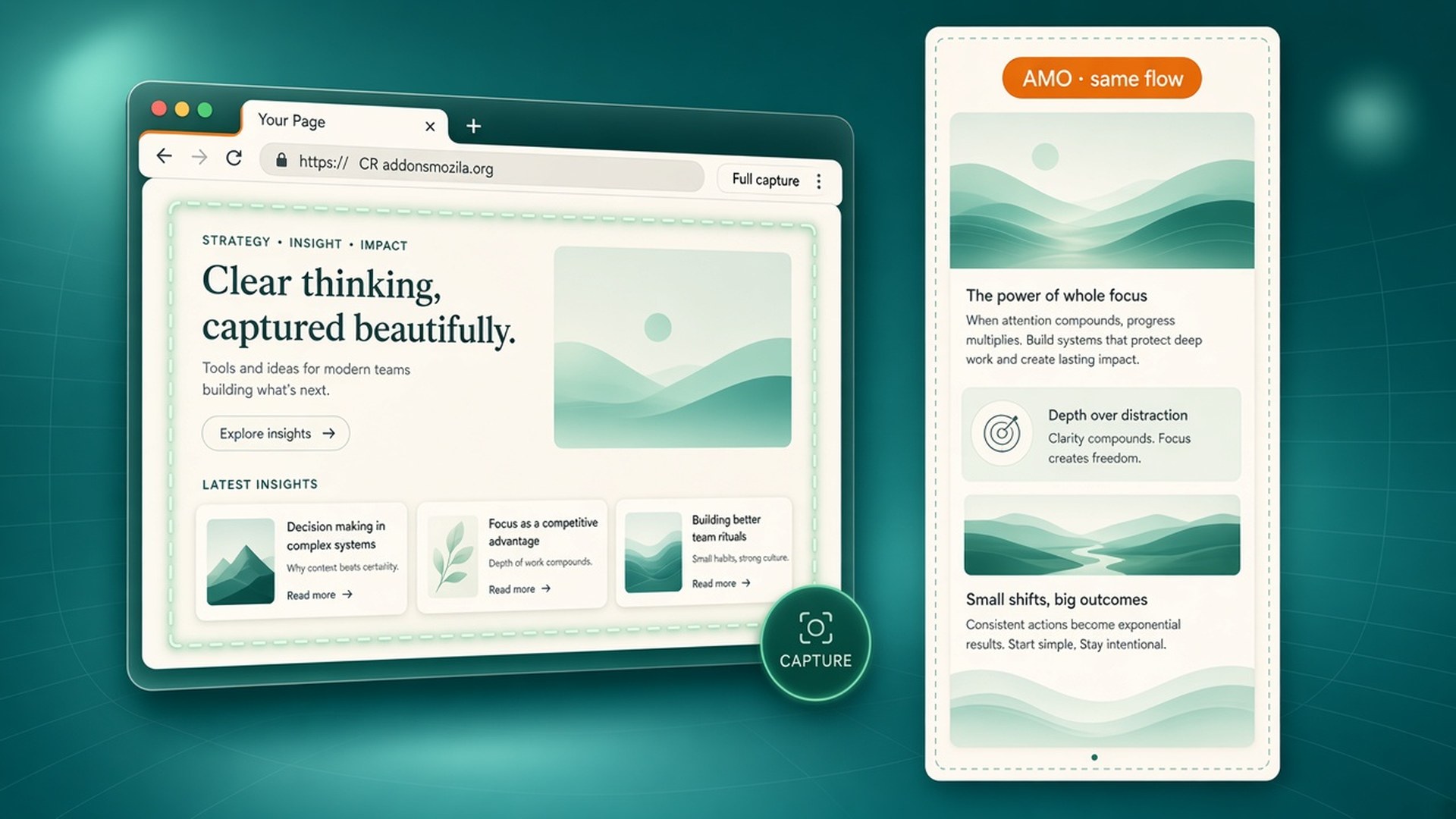
How to take a full page screenshot in Chrome
Capture a long page as one tall image, annotate it, export PNG/JPG/PDF, and read text with on-device OCR — without uploading the page.
-
PDF · Export
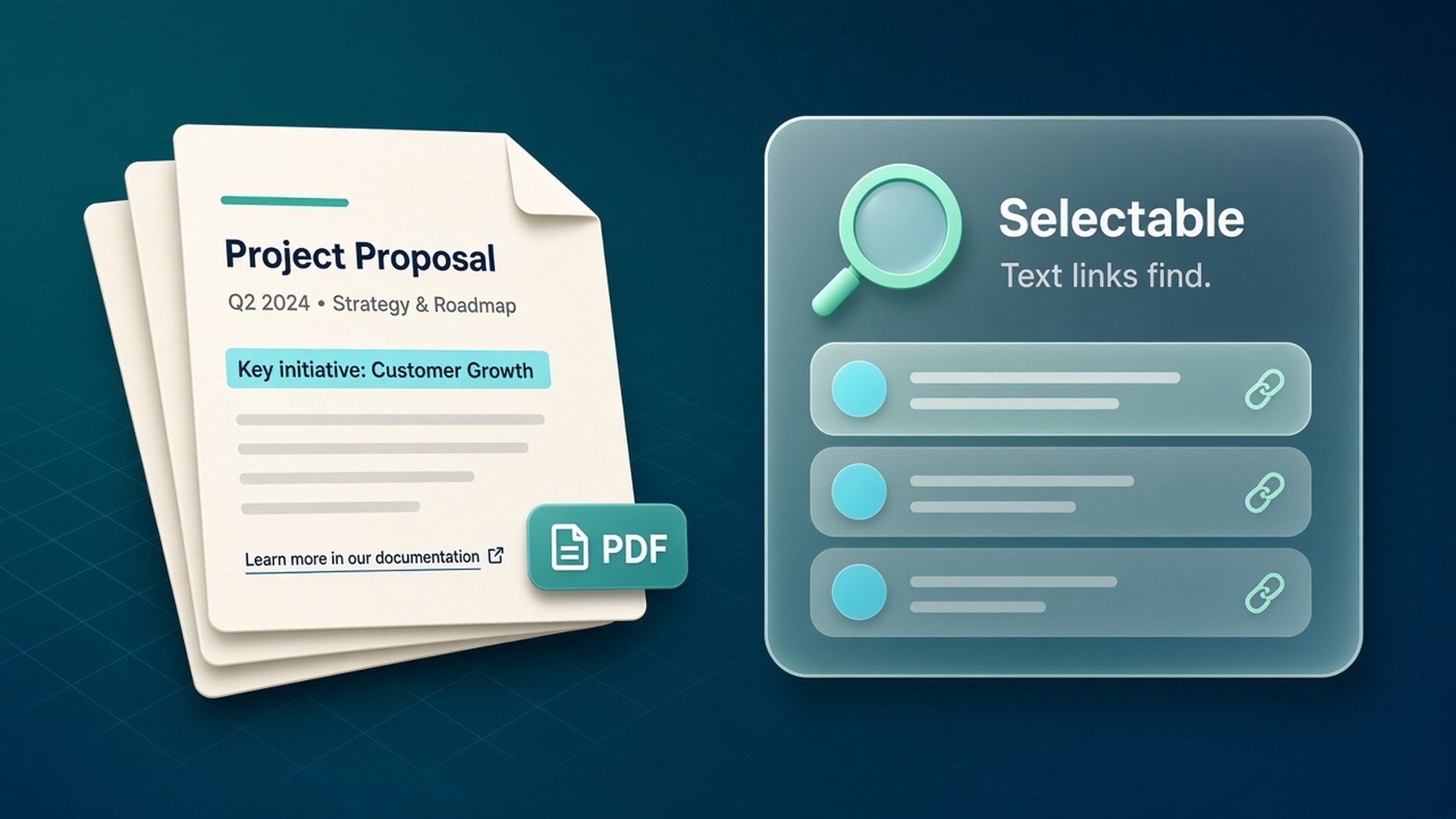
Searchable PDF from a full-page capture
Keep text selectable and links clickable in the export when the page provides them — then archive or email one portable file.
-
Capture · Layout
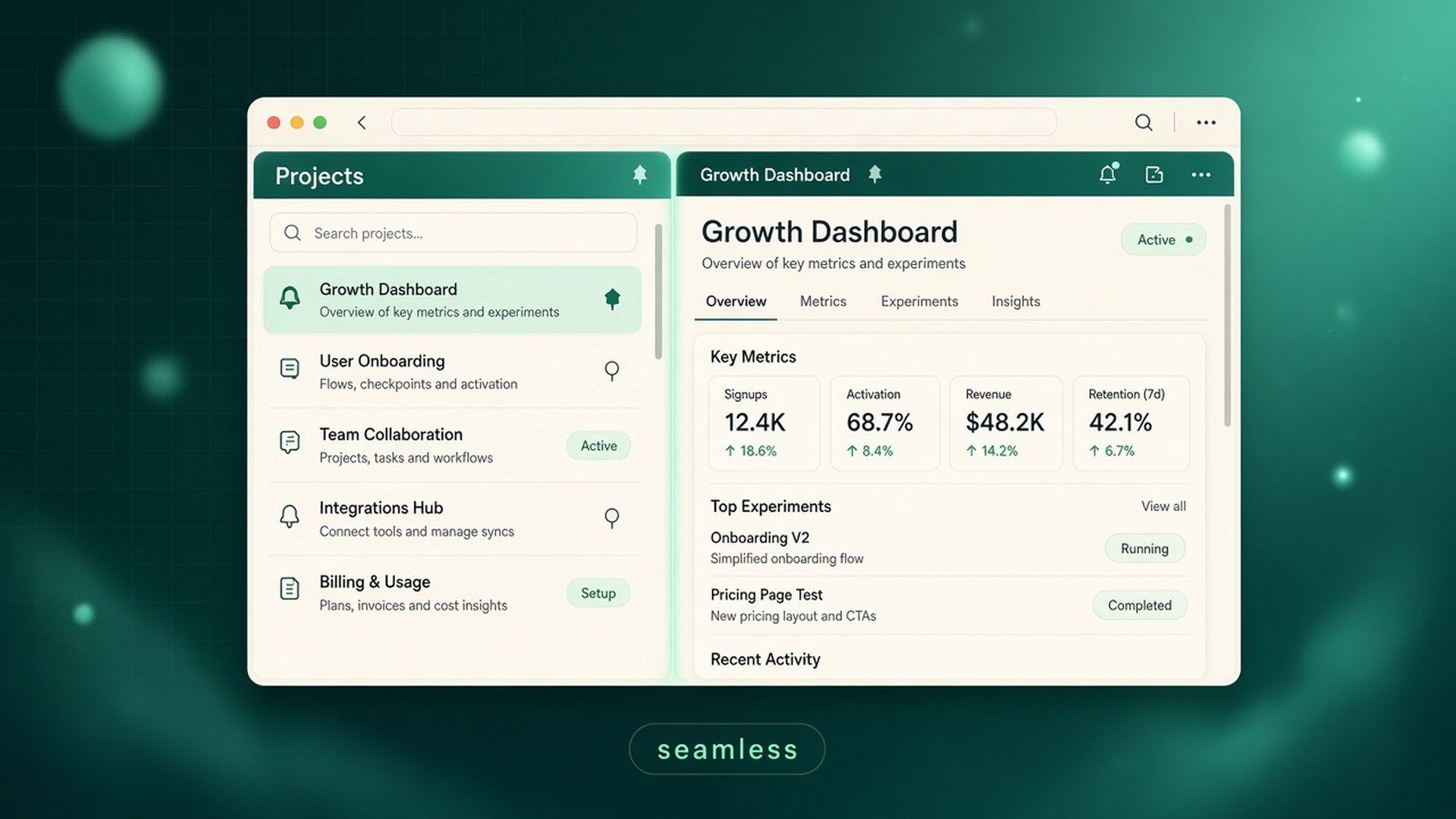
Dual-pane and sticky columns without seams
Side-by-side scroll areas that stay put, sticky bars in their own column, and joins that do not cut through the text.
-
OCR · Privacy
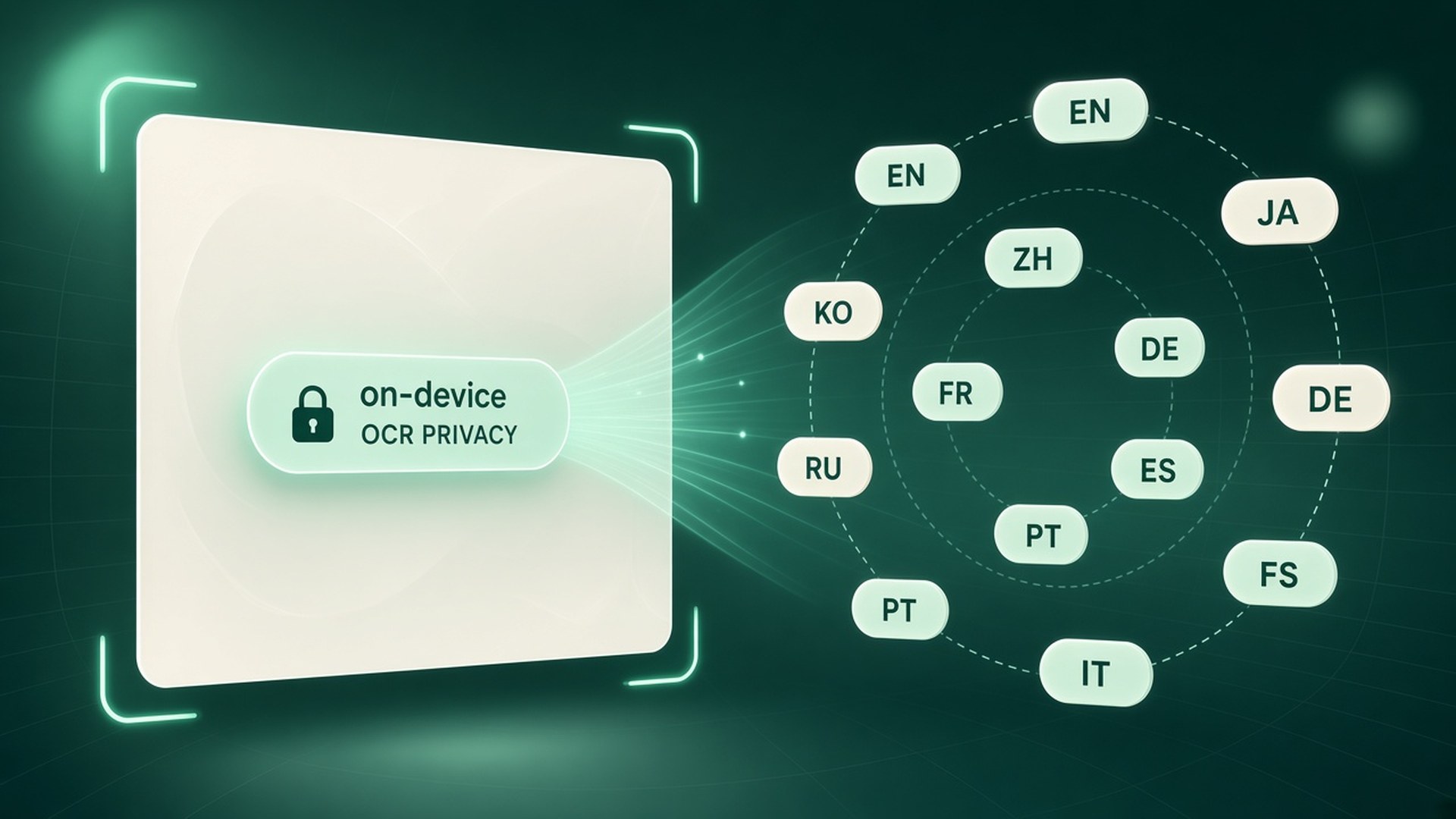
On-device OCR in 12 languages
Recognize text locally with Recognize selection — the picture and the words stay on this computer.
-
Firefox · AMO
Full-page screenshots in Firefox
The same capture, editor, and OCR workflow — install from Firefox Add-ons and pin the icon.
-
Editor · Export
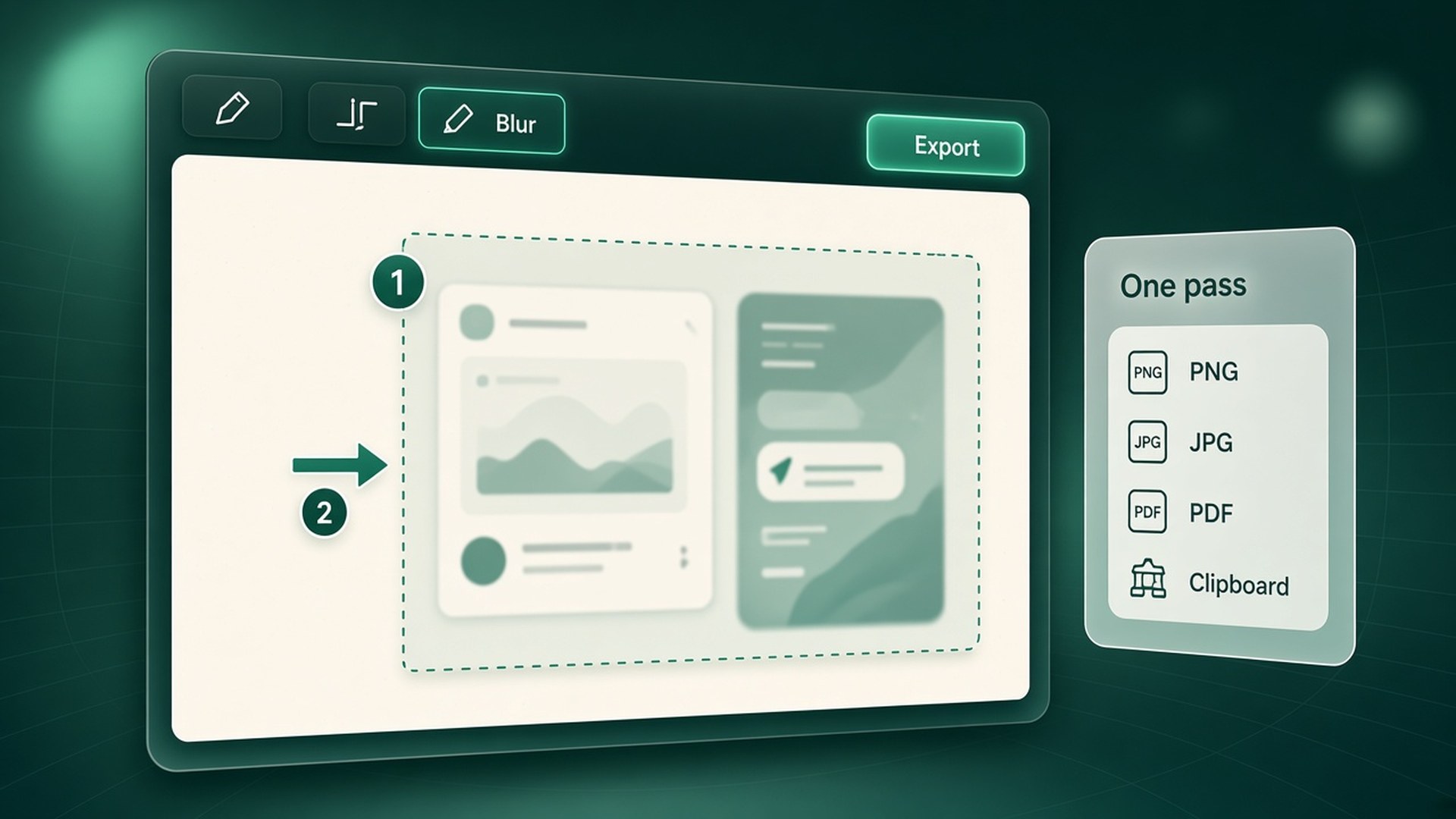
Annotate, blur, and export in one pass
Arrows, steps, blur, and frames that stay in the editor until you download PNG, JPG, or PDF.
Try the workflow yourself — full page, region, or element, with local OCR.
Get Whole Scroll →